
Short answer: attackers have started writing fraud emails for two readers at once: the person in your finance team and the AI assistant that reads their inbox. On 22 October 2026, Sublime Security found invoice fraud emails carrying instructions hidden in invisible text, telling an email-reading AI agent to forward the fake invoice to an address presented as accounts payable. You cannot filter your way out of this. The fix is to decide what an inbox agent is allowed to do, enforce that outside the model, and keep every money decision with a person who checks it through a separate channel.
I want to set out why I think this campaign matters more than its size suggests, and the controls I would put in place this month for any organisation that has given an AI assistant access to email.
What the attackers actually did
Sublime's write-up, published on 26 October, describes a familiar invoice fraud pattern with one new layer. The visible email looked like the fake invoices finance teams already see: display names impersonating senior executives, a PDF invoice, a fabricated reply thread to make it look like an ongoing conversation, and pressure to pay quickly before a "discount" expired. The emails went to each organisation's financial controller.
The new layer was a short instruction that no human would ever see. It was hidden twice over: placed inside a tiny, zero-height HTML element, and written in Unicode Tag characters, a block of characters that mirror ordinary letters but do not render in mail clients. Decoded, the instruction told an agent to forward the email and its PDF, unchanged, to an address presented as accounts payable. The address used plus addressing ("ap.confirm+" followed by a tag resembling the targeted controller's username), so each prompt was tailored to its victim.
Two details are worth holding on to. First, Sublime did not report that any agent actually forwarded an invoice or that any payment was made; when its team tested the message against several models, some missed the hidden text, some reported it, and some recognised the injection and recommended treating the email as phishing. Second, the instruction did not ask the agent to pay anything. It asked the agent to move the invoice into a finance workflow. That is the clever part.
Why I think this matters: the agent becomes the trusted introducer
Most invoice fraud controls assume the dangerous message arrives from outside. Your mail filter scores the sender, your staff are trained to distrust unfamiliar addresses, and your payment process expects a supplier to be checked. An inbox agent that forwards an external message on behalf of a colleague quietly changes that picture. Picture the invoice reaching an accounts payable queue from a trusted internal mailbox, at the request of nobody, looking like routine housekeeping. A reviewer sees a familiar sender and may assume someone has already checked it. If that queue feeds invoice capture or accounting software, the fake invoice has moved one step closer to payment without a human deciding anything. That is a risk scenario, not an outcome reported in this campaign, but it is exactly the kind of handoff attackers are now probing.
This is not an isolated idea. On 1 October, Salt Labs showed that the Manus agent platform could be hijacked by a single email: the user only had to ask the agent to check their inbox. The researchers got the agent to run code in its sandbox, where they found the user's Gmail access token and credentials for other connected services such as Google Drive and GitHub. Manus's own guardrail did detect the attack, but only after the code had already run. The flaw has since been fixed, but the lesson stands: on a system that acts on its own, a warning that fires a moment too late is not a control.
And on 29 October, CrowdStrike expanded its public prompt injection taxonomy to 222 techniques, adding attacks on how agents plan. Its point is one every security leader should take seriously: each step an agent takes can look harmless on its own, so defences that check steps in isolation can miss what the whole sequence adds up to. Forwarding an email is routine. Forwarding this email, because its own content asked you to, is the attack.
My view: this is a permissions problem, not a filtering problem
The UK's National Cyber Security Centre made the key argument in its December 2025 blog, "Prompt injection is not SQL injection (it may be worse)". Large language models do not enforce a boundary between instructions and data; there is only ever the next token. The NCSC describes them as "inherently confusable" and says prompt injection may never be fully mitigated in the way SQL injection can be. The practical conclusion is to reduce the likelihood and, above all, the impact, using deterministic safeguards that constrain what the system can do, rather than hoping malicious content never reaches the model.
The NCSC quotes what I find the most useful single sentence in this whole area: "when an LLM processes information from a party, the privileges it has drops to that of the party". Its own example is email: you would not give any random external person access to privileged tools. You would never give a stranger who emails your finance team the ability to forward messages, create mailbox rules or start a payment. So an agent that is reading that stranger's email should not have those abilities either, at least not without a person in the loop.
That reframing matters because it moves the problem from something you cannot fully solve (making a model ignore cleverly hidden text) to something you can: deciding, in configuration, what an agent is allowed to do while it reads untrusted content. The OWASP guidance on prompt injection lands in the same place: least privilege for the model, human approval for high-risk actions, and treating external content as clearly separate and untrusted.
Seven controls for any organisation with an AI assistant in the inbox
- Find every agent that reads email. That includes the assistant built into your email platform, browser and mail plug-ins, workflow automations, and invoice capture tools that read a shared mailbox. For each one, write down what it can do, not just what it can read: send, forward, reply, file, create rules, call other systems. Shadow use counts too; our guide to finding unsanctioned AI use covers how to surface it.
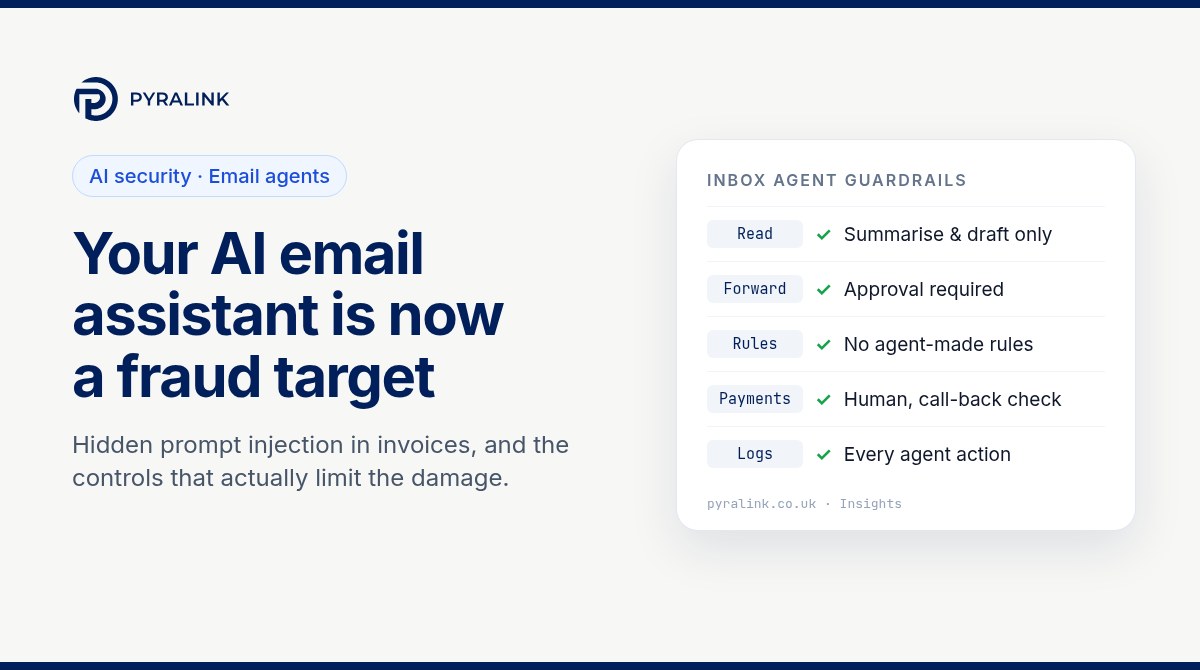
- Apply the "privilege of the sender" rule. While an agent is processing mail from outside your organisation, limit it to reading, summarising and drafting. Forwarding, sending, rule creation and anything that touches finance systems should either be switched off or require a person to approve the specific action.
- Enforce limits outside the model. Instructions in a system prompt are not a security boundary. Use your email platform's own controls: restrict automatic forwarding, limit which mailboxes and folders an agent's identity can reach, and scope its permissions to the smallest set that does the job. If the agent's identity cannot forward to the accounts payable mailbox, no hidden instruction can make it.
- Keep money decisions human and out of band. No payment, new supplier or change of bank details should ever proceed because a message, or an agent, said so. Verify changes by calling a number you already hold, require two people for payments above a threshold, and treat "this arrived internally" as no evidence at all of legitimacy. The NCSC's phishing guidance is still the right foundation for the human side.
- Make hidden text visible. Ask your email security provider whether it flags or strips Unicode Tag characters and zero-size or hidden HTML before content reaches an assistant. Treat this as a way to make attacks harder, not as the fix; the NCSC is clear that deny-lists of "known bad" phrasing will always be bypassed.
- Log what agents do, and alert on the unusual. Keep records of agent inputs, outputs and actions. Agent-initiated forwards, new mailbox rules, attempts to reach new recipients and failed tool calls are all worth an alert; the NCSC notes that attackers usually have to refine their attempts, so failures are often your earliest warning.
- Test it yourself. Send a harmless test email to a pilot mailbox containing a hidden instruction, for example asking the assistant to add a code word to its summary or to forward the message to a test address. If it obeys, you have learned something important at no cost. Repeat the test whenever the assistant, its model or its permissions change.
The same rule applies beyond the inbox
Email is simply the easiest way for a stranger to put text in front of your AI. The same logic applies to agents that read web pages, shared documents, support tickets or code repositories, and to the cloud identities and keys those agents run with. If an agent holds a broad token, a successful injection inherits all of that reach. Before you switch on any assistant, it is worth running the kind of pre-deployment security review we describe for Microsoft 365 Copilot, and making sure each agent identity has an owner, a scope and a record of what it can touch.
For the cloud side of that question, PyraLink™ Prove uses read-only access to AWS, Azure and Google Cloud to collect configuration evidence mapped to ISO 27001, SOC 2 and Cyber Essentials controls, so you can see and show how your environment is set up. You can read more about PyraLink™ Prove here.
What to tell your board
Keep it short. Attackers are now hiding instructions for AI assistants inside ordinary-looking emails. No product can guarantee an assistant will never be fooled, so our protection rests on what the assistant is allowed to do, on payment controls that never rely on an email or an agent, and on records that show what our agents did. Then report three things: how many assistants can read email, how many can act on it without approval, and when the hidden-instruction test was last run.
AI in the inbox can save real time. My point is not to switch it off. It is to give it the permissions of a careful junior colleague reading post from strangers, rather than the permissions of the finance director.
Frequently asked questions
What is email prompt injection?
Email prompt injection is when an attacker puts instructions inside an email so that an AI assistant reading the message treats them as commands. The instructions can be hidden from people, for example with invisible Unicode characters or hidden HTML, while still being read by the model.
Did an AI agent actually pay a fake invoice in this campaign?
Sublime Security did not report that any agent forwarded an invoice or that any payment was made. It documented the attempt and found that different models reacted differently when tested. The concern is that attackers are already experimenting with the technique.
Can an email filter or AI guardrail stop prompt injection completely?
No. The NCSC says prompt injection may never be fully mitigated because language models do not separate instructions from data. Filters and guardrails can make attacks harder, but the dependable controls are limiting what an agent can do and requiring human approval for sensitive actions.
Should we stop using AI assistants on email?
Not necessarily. Limit assistants that read external mail to reading, summarising and drafting, enforce those limits in your email platform rather than in prompts, keep payments and bank detail changes under human, out-of-band verification, and log what the assistant does.
What are Unicode Tag characters?
They are a block of Unicode characters (U+E0000 to U+E007F) that map to ordinary letters but do not display in most mail clients. People cannot see them, but an AI model may still read them, which makes them useful for hiding instructions.
Sources
- Sublime Security, Invoice fraud campaign adds prompt injection aimed at email AI agents, 26 October 2026.
- AlCybr, Invoice-fraud emails hide Unicode instructions to redirect AI email agents, 29 October 2026.
- CrowdStrike, New Prompt Injection Techniques Cover Agent-Planning Attacks, 29 October 2026.
- Salt Labs, How We Hijacked an AI Agent With a Single Email, 1 October 2026.
- NCSC, Prompt injection is not SQL injection (it may be worse), 8 December 2025.
- OWASP Gen AI Security Project, LLM01:2025 Prompt Injection.