
Short answer: more organisations are choosing to run AI in their own environment, in their own cloud accounts and on their own servers, so that they keep control of their data. I think that is the right direction. But control cuts both ways. If the model access, the keys and the servers are yours, so is the bill when someone else uses them. On 2 November 2026, Google's Mandiant and Threat Intelligence Group described incidents where attackers hijacked organisations' access to large language models, a tactic called LLMjacking, and ran up charges of more than 100,000 US dollars in a single day. The way in was rarely an AI flaw. It was usually a stolen or exposed cloud credential.
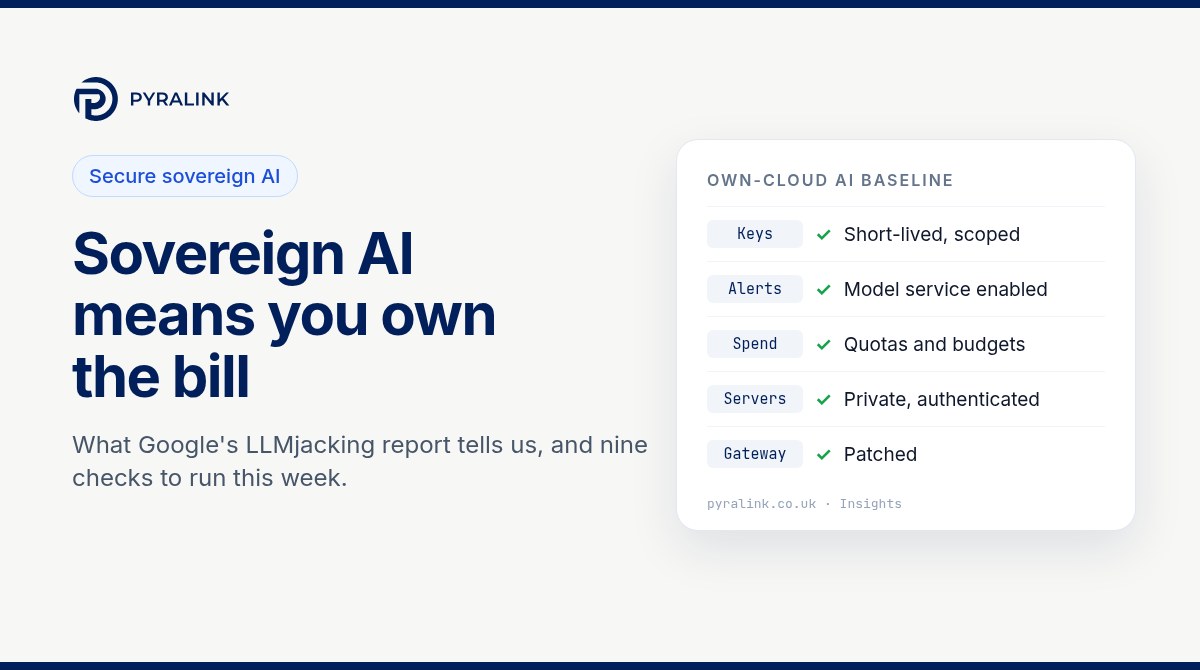
This article sets out what Google reported, why it matters most to organisations adopting AI in their own environment, and the nine checks I would run this week.
What Google reported
In The Rise of LLMJacking, published on 2 November 2026, Google describes Mandiant incident responses during 2026 in which threat actors hijacked enterprise access to LLMs. The intrusions affected organisations in North America, South America and Asia Pacific, across financial services, retail, technology and transportation. The key findings:
- The money moves fast. Google says LLMjacking, unlike the slow resource use of cryptojacking, can produce large spikes in fraudulent charges within hours. It saw charges above 100,000 US dollars in a single day, and cumulative charges at some organisations reaching 1 million US dollars before access was revoked.
- Stolen identity is the main way in. Google says the dominant initial access across its investigations was exposed or stolen cloud identity tokens: IAM credentials, service account keys, GitHub personal access tokens and active session tokens. In one case, attackers harvested corporate LLM API keys from public GitHub repositories and checked them with single-token requests (
max_tokens=1), a quiet test that Google says avoided volume alerts. - The model service may not even be switched on. In multiple incidents, LLM services were not enabled at the time of the compromise. The attackers used stolen access to enable them, then generated large bills within minutes or hours.
- Self-hosted pieces were targeted too. Google shows a script probing internet-exposed Ollama endpoints through the
/api/createcall to run the attacker's own models. In one case a follow-on group exploited CVE-2026-40217 in a LiteLLM gateway to turn ordinary virtual keys into full administrator credentials. - There is a resale market. Google describes "LLM Mixers", gateways that pool and resell stolen access. It cites one token-routing service that made more than 500,000 API calls in under eight hours using stolen keys and passed nearly one million dollars in costs to the victim.
Google's GTIG AI Threat Tracker of 16 November 2026 repeats the point: LLMjacking is now a recognised way for financially motivated actors to profit from compromised cloud environments.
Why this matters most if you run AI yourself
The UK government's advice on AI sovereignty, published on 19 October 2026, defines it as having sufficient agency across the AI value chain, including the ability to keep working under duress. That is written for the nation, but I find the idea useful for any organisation. When you run AI in your own environment, you gain agency. You also accept the work that a provider would otherwise do: guarding keys, patching the serving software, limiting who can switch things on, and watching the spend.
That is the heart of what I call secure sovereign AI adoption. Keeping AI inside your own cloud account or on your own servers is a sound choice. It only stays sound if that environment is secured as carefully as you would secure the data the AI works on. In this case the attackers did not need to defeat the model. They needed one key.
It also connects to two things I have written about recently. Agent servers left open by convenience defaults are the new open storage bucket, and cloud AI services such as Amazon Bedrock need the same account hygiene, as in our Amazon Bedrock security checklist. LLMjacking is what happens when those weaknesses meet someone looking to monetise them.
Nine checks to run this week
1. List every route to a model
Write down each place a model can be called from: managed services in your cloud accounts, self-hosted servers such as Ollama, and any gateway or router in front of them. Include sandboxes and test projects, which is where unmanaged AI often starts. Our shadow AI discovery guide covers the process. If you cannot list them, you cannot defend them.
2. Treat enabling an AI service as a critical event
Google advises treating any unauthorised enablement of an LLM service as a critical security event. Alert when a model service is switched on, when new model access is requested and when new model agreements are created. For Amazon Bedrock, Google names the API calls PutUseCaseForModelAccess and CreateFoundationModelAgreement as ones to watch. Where an account has no business using a model service, deny the permissions to everyone, as Google recommends.
# Read-only (AWS): has anyone asked to unlock or agree to new models in this Region?
aws cloudtrail lookup-events --region eu-west-2 \
  --lookup-attributes AttributeKey=EventName,AttributeValue=CreateFoundationModelAgreement \
  --max-results 20 --query "Events[].[EventTime,Username]" --output table
3. Remove long-lived keys
Google's list of initial access routes is mostly standing credentials. Find service account keys, IAM user access keys and personal access tokens, then replace them with short-lived roles wherever you can. For those that must stay, set an owner, an expiry and a rotation date, and run secret scanning over your code repositories so keys are caught before an attacker finds them.
# Read-only (AWS): the credential report shows key age and last use for every IAM user
aws iam generate-credential-report
aws iam get-credential-report --query Content --output text | base64 -d

# Read-only (Google Cloud): user-managed keys for one service account
gcloud iam service-accounts keys list --iam-account=SA_EMAIL --managed-by=user
4. Scope keys, then cap the spend
Give each application its own key, limit it to the model endpoints it needs and separate development from production, so a stolen key for a small model cannot call the most expensive one. Then set quotas, budgets and alerts on the model service. Spend limits will not stop an attacker, but they turn a runaway bill into a small incident and a quick alert.
5. Keep self-hosted model servers off the internet
Ollama's own FAQ says it binds to 127.0.0.1 port 11434 by default and that the bind address is changed with the OLLAMA_HOST setting. The risk starts when someone changes that for convenience. The SANS Institute reports that SentinelLABS and Censys found 175,108 Ollama hosts reachable from the internet in a study published in January 2026. Keep servers on loopback or a private network, reach them over a VPN or an authenticating proxy, publish container ports to 127.0.0.1 only, and test reachability from outside your network.
# Read-only: is the model server listening on every interface, or only on loopback?
ss -ltn | grep 11434
6. Patch the gateway as carefully as the model server
Gateways and routers hold the keys to everything behind them. The public GitHub advisory for CVE-2026-40217 rates the LiteLLM flaw high severity, lists versions from 1.81.8 up to but not including 1.83.10 as affected and tells users to upgrade to 1.83.11 or later. Google describes how an attacker used the flaw to escalate virtual keys to administrator credentials. The two descriptions differ in technical detail, so rely on the fix, not on blocking one endpoint. If you use a gateway, check its version and put it in your patching process.
# Read-only: which LiteLLM version is installed in this environment?
pip show litellm | grep -i "^version"
7. Watch for quiet validation and sudden volume
Log access to your model gateway and cloud model APIs. Look for low-volume probes such as single-token requests, spikes in throttling or validation errors, and calls from Regions or identities you do not expect. Google specifically recommends monitoring for max_tokens=1 style pings, because attackers use them to test stolen keys before the main run.
8. Protect sessions and sign-ins
Google describes a fake application portal that told users to paste a raw session token, which let the attacker bypass passwords and multi-factor authentication. Use phishing-resistant multi-factor authentication on cloud consoles and developer platforms, train people never to paste tokens into web pages, and shorten session lifetimes for privileged access.
9. Be able to pull the plug, and keep the evidence
The NCSC's interim advice on managing the cyber risk of agentic AI, published on 20 August 2026, tells organisations to run agents in a sandbox, log and monitor their activity, make it easy to attribute, and keep the ability to halt everything quickly. For model access, that means knowing exactly how to revoke keys, disable a model service and cut network access in minutes. Rehearse it once. Then keep dated records of keys, permissions, network rules and spend limits, so that after an incident, or when a customer asks, you can show what was in place.
The same checklist in one place
- ☐ Every model route listed: managed services, self-hosted servers, gateways, test projects
- ☐ Alerts on model services being enabled or new model access being requested; unused services denied
- ☐ Long-lived keys replaced or owned, expiring and scanned for in code
- ☐ One scoped key per application and environment; quotas, budgets and alerts set
- ☐ Self-hosted model servers on loopback or private networks, behind authentication
- ☐ Gateways and routers in the patching process, LiteLLM at 1.83.11 or later if used
- ☐ Gateway and model API logs monitored for single-token probes and volume spikes
- ☐ Phishing-resistant MFA and short privileged sessions
- ☐ Key revocation and shutdown rehearsed; dated evidence kept
The NCSC's guidelines for secure AI system development remain a good companion, covering secure design, development, deployment and operation of AI systems. If you are weighing a fully isolated setup, our piece on air-gapped AI looks at when sovereignty becomes a control rather than a preference.
Most of these checks are really about cloud identity and configuration. PyraLink™ Prove uses read-only access to AWS, Azure and Google Cloud to collect configuration evidence mapped to ISO 27001, SOC 2 and Cyber Essentials controls, and produces digitally signed, dated evidence records that you can verify independently. You can read more about PyraLink™ Prove here.
What to tell your board
Keep it to three sentences. Criminals are hijacking organisations' AI access, mostly through stolen cloud credentials, and running up large bills within hours. We have listed every route to a model, removed or limited long-lived keys, set spend alerts and kept our model servers off the internet. If anything is switched on that we did not expect, we will know the same day and we can revoke access in minutes.
Running AI in your own environment is the right instinct, and I expect more organisations to do it. The ones that benefit will be the ones that treat that environment as the thing worth protecting.
Frequently asked questions
What is LLMjacking?
LLMjacking is the hijacking of an organisation's access to large language models. Attackers use stolen keys or cloud credentials to run their own workloads on the victim's model services, or to resell the access, and the victim pays the bill.
Is running AI in our own cloud account riskier than using a public AI service?
Not necessarily. Your own environment gives you control over where data goes and who can use it. But the controls become your responsibility, including identity, keys, patching and spend. The point of this article is that the security work moves to you.
Which version of LiteLLM fixes CVE-2026-40217?
The GitHub advisory lists 1.83.10 as the patched version in its metadata and says to upgrade to 1.83.11 or later in its description. Choose 1.83.11 or later, and check the advisory for updates.
Should we expose Ollama to our team over the network?
Only through a private route that requires authentication, such as a VPN or an authenticating proxy. Ollama binds to 127.0.0.1 by default, and its own documentation describes changing this with OLLAMA_HOST. Do not publish the port to the internet.
How quickly can an attack cost us money?
Google reports that LLMjacking can produce large spikes in charges within hours, with single-day charges above 100,000 US dollars in some incidents. That is why alerts on model enablement, spend and unusual volume matter more than a monthly bill review.
Sources
- Google Cloud Blog, The Rise of LLMJacking: How Threat Actors Monetize Compromised Cloud and Model Resources, Mandiant and Google Threat Intelligence Group, 2 November 2026.
- Google Cloud Blog, GTIG AI Threat Tracker: Agentic Threat Activity Crosses a Significant Threshold, 16 November 2026.
- GitHub Advisory Database, GHSA-wxxx-gvqv-xp7p (CVE-2026-40217), LiteLLM.
- Ollama documentation, FAQ: exposing Ollama on your network.
- SANS Institute, Your Local AI Server Is Not Local: Finding Exposed Ollama Hosts Without Crossing the Line.
- NCSC, Managing the cyber risk of agentic AI, 20 August 2026.
- NCSC, guidelines for secure AI system development.
- GOV.UK, AI sovereignty: preserving UK agency in an AI-enabled world, 19 October 2026.