
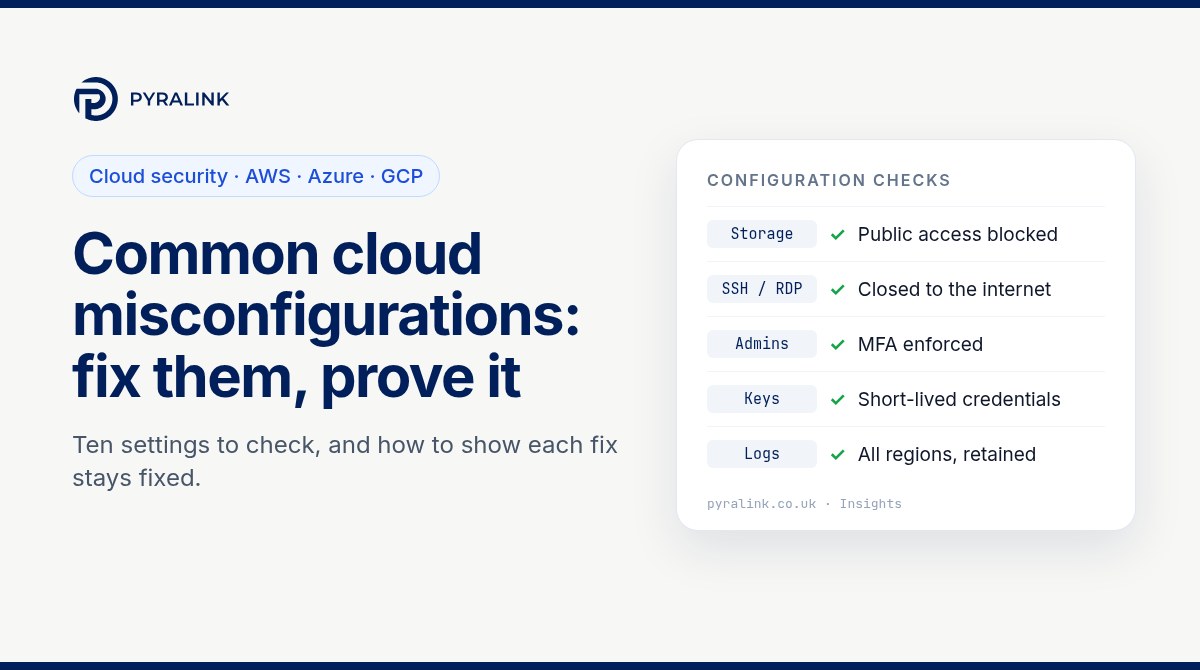
Short answer: most cloud security incidents that start with configuration come down to a short list of settings: storage that can be read by anyone, management ports open to the internet, administrator accounts without multi-factor authentication, long-lived keys, over-broad roles, missing audit logs and databases with public endpoints. Each one is quick to fix. The harder part, and the part auditors and enterprise customers now ask about, is proving that the fix covers every account, region and project, and that it is still in place next month.
This guide lists ten common cloud misconfigurations across AWS, Azure and Google Cloud, gives read-only commands to find them, and sets out a simple routine for keeping evidence that each fix has stayed fixed.
Why misconfigurations keep coming back
Cloud providers secure the platform; you secure how you configure it. The NCSC's guidance on cloud security posture management notes that customer misconfiguration continues to be a leading cause of cloud breaches, and that some misconfigurations are easy to spot while many are subtle and depend on how each workload is used.
Misconfigurations rarely stay fixed on their own. Three things usually undo a fix:
- Drift: someone changes a setting in the console to unblock a problem and never changes it back.
- New resources: the fix was applied to existing buckets or security groups, but a new account, subscription or project was created later without it.
- Templates: the infrastructure-as-code template still contains the old setting, so the next deployment reintroduces it.
That is why the NCSC's guidance on using a cloud platform securely recommends guardrails that block unwanted changes, such as exposing data storage to the internet, alongside periodic automated tests that your configuration is still correct.
Ten common cloud misconfigurations and how to fix them
1. Object storage readable by anyone
An Amazon S3 bucket policy or ACL that grants public read, an Azure storage account that allows anonymous blob access, or a Cloud Storage bucket shared with allUsers. Fix: turn on S3 Block Public Access at account level (AWS enables it by default on new buckets, as its Block Public Access documentation explains, but older buckets and accounts may differ), set Allow blob anonymous access to disabled on Azure storage accounts, and enforce public access prevention on Google Cloud with the constraints/storage.publicAccessPrevention organisation policy. If something genuinely must be public, such as website assets, put it in a separate, clearly named bucket and record the exception.
2. SSH and RDP open to the internet
Security groups, network security groups or VPC firewall rules allowing port 22 or 3389 from 0.0.0.0/0. Automated scanners probe these ports constantly. Fix: remove the rule and use a bastion, VPN or the provider's identity-aware access option (AWS Systems Manager Session Manager, Azure Bastion or Google Cloud Identity-Aware Proxy).
3. Administrator accounts without MFA
The AWS root user, Entra ID global administrators, or Google Cloud Owners signing in with a password alone. Fix: enforce MFA for every human account with console access, starting with the most privileged, and prefer phishing-resistant methods such as passkeys or security keys for administrators. Lock away root and break-glass credentials and alert when they are used.
4. Long-lived access keys
IAM user access keys, Azure storage account keys and Google service account keys that never expire and end up in scripts, laptops and code repositories. Fix: move workloads to short-lived credentials (IAM roles, managed identities and workload identity federation), rotate any keys that must remain, and on Google Cloud block new key creation with constraints/iam.disableServiceAccountKeyCreation.
5. Over-broad roles
Wildcard IAM policies, AdministratorAccess attached to day-to-day users, subscription-wide Owner assignments, or the Google Cloud basic Editor role on service accounts. Fix: replace broad roles with task-specific ones, use time-limited elevation for administration, and remove unused identities and permissions on a schedule.
6. Audit logging switched off or incomplete
A CloudTrail trail that covers one region instead of all of them, an Azure activity log that is never exported or retained, or Google Cloud Data Access audit logs left off for sensitive services. Fix: enable organisation-wide logging, send it to a separate, access-restricted account or workspace, and set retention to match your policy. Without logs you cannot show when a setting changed, or by whom.
7. Databases with public endpoints
Amazon RDS instances marked publicly accessible, Azure SQL servers with public network access enabled and broad firewall rules, or Cloud SQL instances with a public IP and 0.0.0.0/0 in authorised networks. Fix: use private endpoints or private IP connectivity, and on Google Cloud apply constraints/sql.restrictPublicIp.
8. Storage accepting unencrypted connections
Buckets and storage accounts that still accept plain HTTP. Fix: add an S3 bucket policy that denies requests where aws:SecureTransport is false, keep Secure transfer required on for Azure storage accounts, and set a minimum TLS version where the service supports it.
9. Public snapshots and machine images
EBS snapshots, AMIs or disk images shared with everyone, often during a migration or a support case. A public snapshot can expose a full copy of a disk. Fix: make them private, share only with named accounts, and turn on block public access for EBS snapshots where it is available in your regions.
10. Default networks and forgotten resources
The Google Cloud default network with its permissive pre-created firewall rules, unused accounts and subscriptions, and test resources nobody owns. Fix: skip default network creation with constraints/compute.skipDefaultNetworkCreation, tag every resource with an owner, and close or delete what has no owner after a set period.
Read-only checks you can run today
These commands only read configuration. Run them with a read-only or audit role, and repeat them for every account, subscription and project in scope.
# AWS
aws s3control get-public-access-block --account-id 111122223333
aws ec2 describe-security-groups --filters Name=ip-permission.cidr,Values=0.0.0.0/0 \
  --query "SecurityGroups[].{id:GroupId,name:GroupName}"
aws iam get-account-summary --query "SummaryMap.AccountMFAEnabled"
aws cloudtrail describe-trails --query "trailList[].{name:Name,multiRegion:IsMultiRegionTrail}"
aws rds describe-db-instances --query "DBInstances[?PubliclyAccessible].DBInstanceIdentifier"
aws ec2 describe-snapshots --owner-ids self --restorable-by-user-ids all --query "Snapshots[].SnapshotId"

# Azure
az storage account list --query "[].{name:name,anonymous:allowBlobPublicAccess,httpsOnly:enableHttpsTrafficOnly}" -o table
az sql server list --query "[].{name:name,public:publicNetworkAccess}" -o table

# Google Cloud
gcloud compute firewall-rules list --filter="direction=INGRESS AND sourceRanges:0.0.0.0/0" \
  --format="table(name,network,sourceRanges.list(),allowed[].map().firewall_rule().list())"
gcloud sql instances list --format="table(name,settings.ipConfiguration.ipv4Enabled)"
gcloud iam service-accounts keys list --iam-account=SA_EMAIL --managed-by=user
Treat the output as a baseline, not a verdict. A rule open to the internet on port 443 for a public website is expected; the same rule on port 22 is not.
Fixing is half the job: how to prove it stays fixed
When an auditor, an enterprise customer's security questionnaire or your own board asks whether a misconfiguration is fixed, a screenshot of one console page answers a narrower question than the one being asked. A useful record of a fix answers five things:
- What was wrong: the finding, the resource and when it was first seen.
- What changed: the setting before and after, who made the change and when, ideally linked to a change ticket or pull request.
- Scope: evidence that the check ran across every account, subscription, project and region in scope, not just the one that was reported.
- Prevention: the guardrail that stops it returning, such as an AWS service control policy, an Azure Policy assignment with the deny effect or a Google Cloud organisation policy constraint, plus the corrected template.
- Re-checks: a dated history showing the same check passing on later runs.
Record exceptions the same way. If a storage bucket must stay public, write down why, who owns the decision, any compensating controls and when it will be reviewed. An exception with an owner and an expiry date reads very differently to an assessor than an unexplained failing check.
A simple monthly routine
- Run the same read-only checks across all clouds on a fixed schedule, and after major changes.
- Compare results with last month: new failures, fixed items and anything that reappeared.
- For each reappearance, fix the template or guardrail, not only the live resource.
- Review the exceptions list and close anything past its review date.
- Keep each run's results as a dated record mapped to the controls you are assessed against.
The last step is what turns routine checking into audit evidence. The same check, for example MFA on administrator accounts, supports controls in ISO 27001, SOC 2 and Cyber Essentials, so one dated record can serve several frameworks. Our framework guides show the mapping in detail: SOC 2 on AWS, ISO 27001 on Azure and Cyber Essentials on Google Cloud. For organisations running more than one cloud, see how to keep multi-cloud audit evidence consistent.
Where PyraLink Prove fits
PyraLink™ Prove connects to AWS, Azure and Google Cloud with read-only access, runs configuration checks like those above on a schedule, and maps each result to frameworks including ISO 27001, SOC 2, Cyber Essentials, NIS2 and DORA. Each run is kept as digitally signed, dated evidence records that you can verify independently, so you can show when a misconfiguration was found, when it was fixed and that it has stayed fixed since. If you are weighing it against a posture management platform, our PyraLink Prove vs Wiz comparison sets out where each one fits.
Frequently asked questions
What are the most common cloud misconfigurations?
Publicly readable storage, SSH or RDP open to the internet, administrator accounts without MFA, long-lived access keys, over-broad roles, incomplete audit logging and databases with public endpoints come up repeatedly across AWS, Azure and Google Cloud. Which matters most depends on your environment, so check all of them across every account.
How often should we check cloud configuration?
Continuously where you can, and at least on a fixed schedule plus after significant changes. The NCSC recommends guardrails to block risky changes and periodic automated tests that configuration remains correct, because settings drift and new resources are created all the time.
How do I prove to an auditor that a misconfiguration has been fixed?
Show the finding, the before and after setting, who changed it and when, evidence that the check covered every account and region in scope, the guardrail that prevents it returning, and dated re-check results showing it still passes. A single screenshot only proves one resource at one moment.
Is cloud security posture management the same as compliance evidence?
Not quite. Posture management tools focus on finding and prioritising risky configurations. Compliance evidence is the dated, repeatable record that a control was in place over a period and maps to the framework you are assessed against. Many organisations need both.